|
因为AMD内存过小,所以需要使用Apline做中继
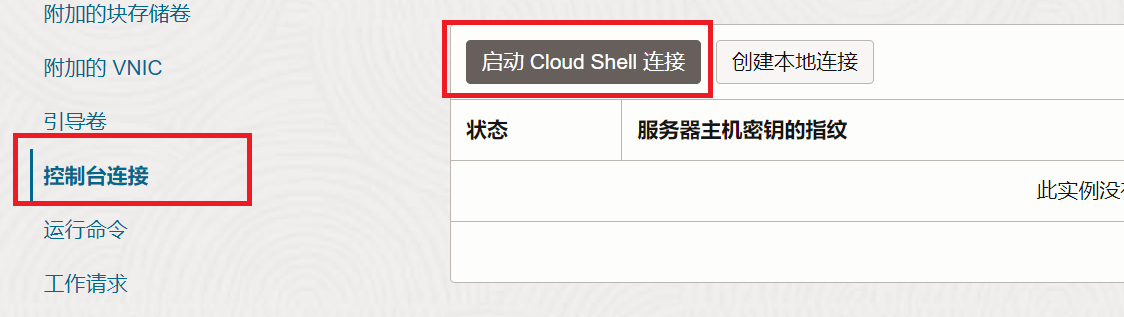
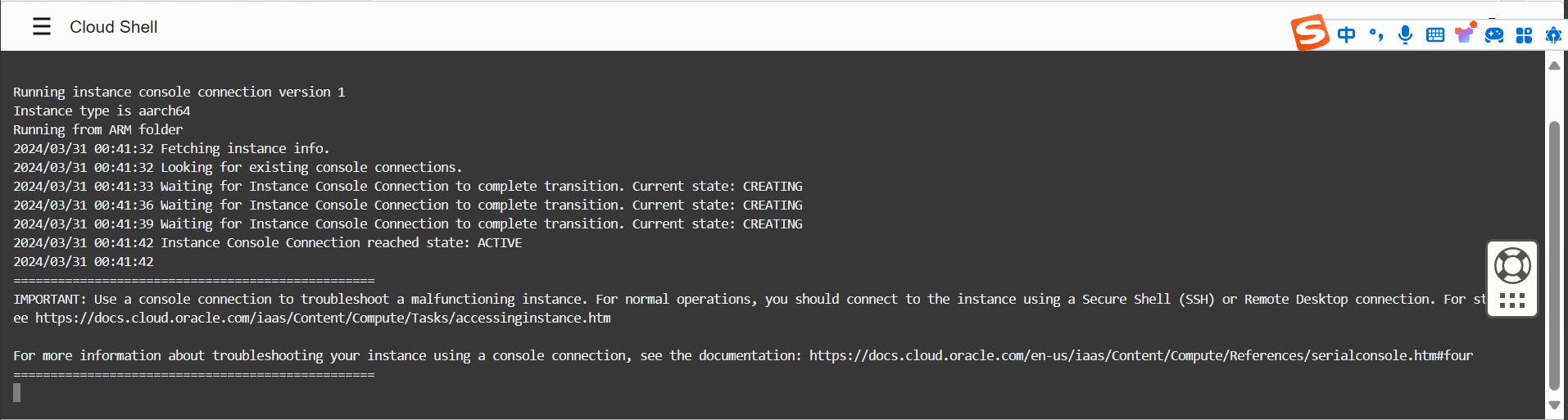
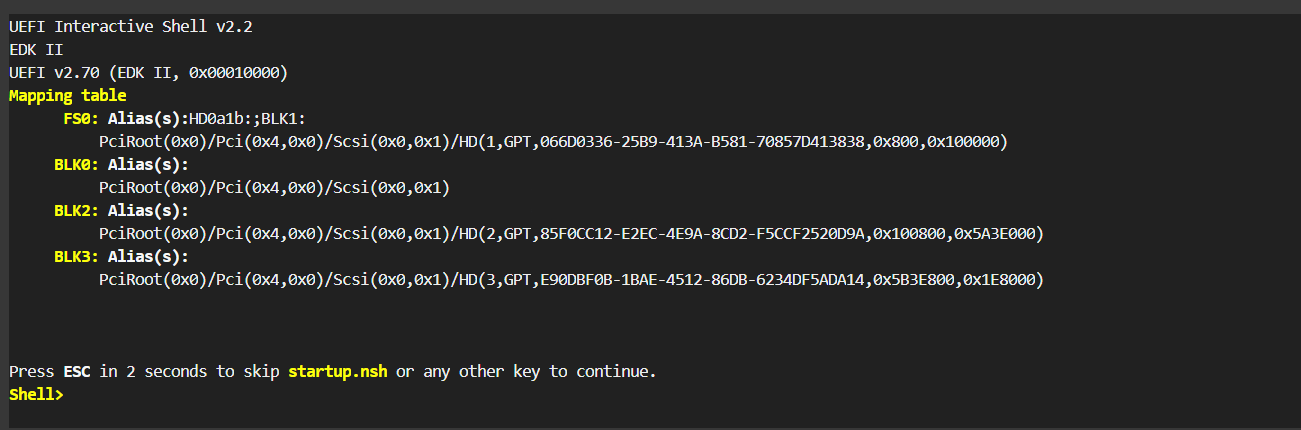
发现修改终端显示的直接法,请看文末 启动cloud shell拉取netboot镜像FS0:ifconfig -s eth0 dhcp日本tftp 168.138.192.98 amd.efi韩国#Oracletftp 152.70.37.174 amd.efi 凤凰城tftp 129.146.9.206 amd.efi 圣保罗tftp 191.238.221.198 amd.efi如果出现time out,请到甲骨文虚拟云网络-安全列表放通udp请求 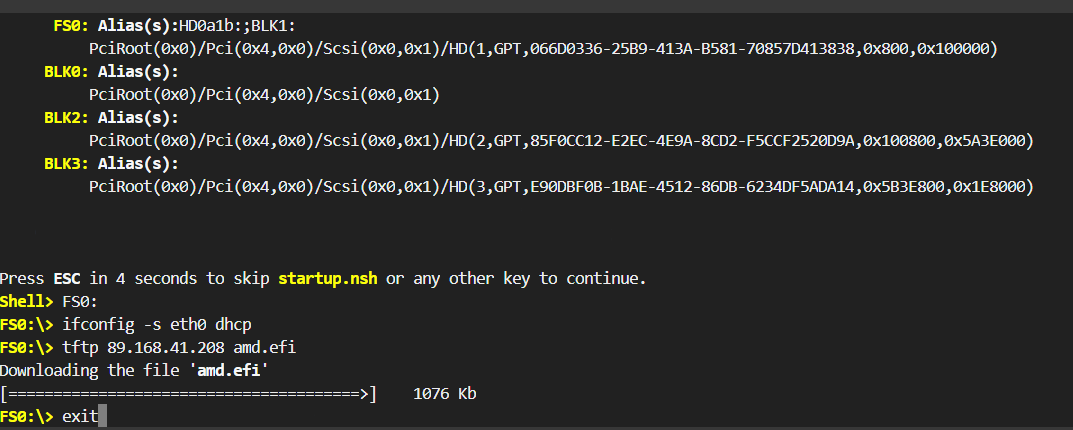
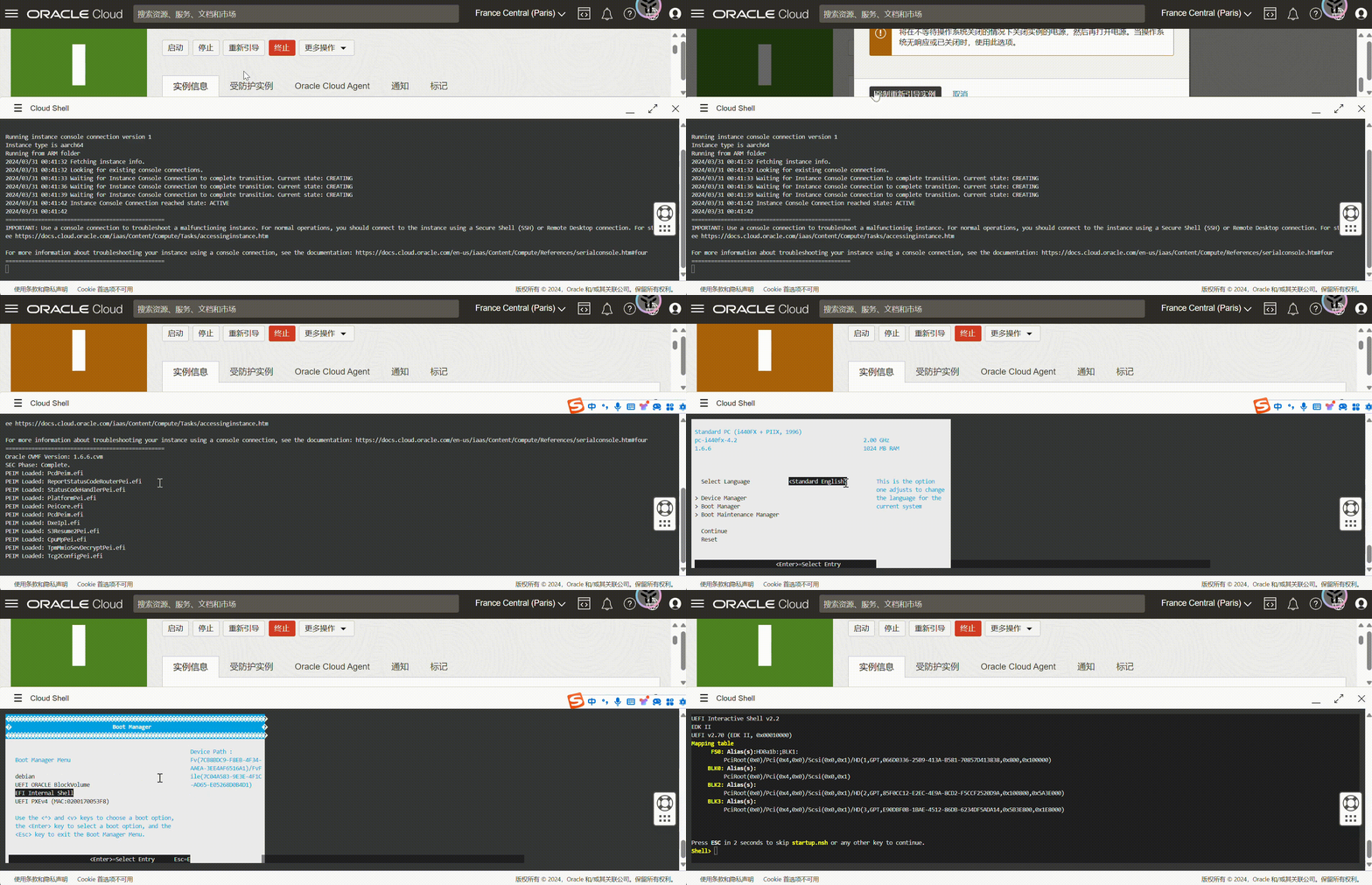
输入exit退出到BIOS ,esc退出到主页面
Boot Maintenance Manager –> Boot from File–> 选择硬盘回车–> 选择镜像文件回车–> 成功进入 netboot.xyz选择Apline Linux
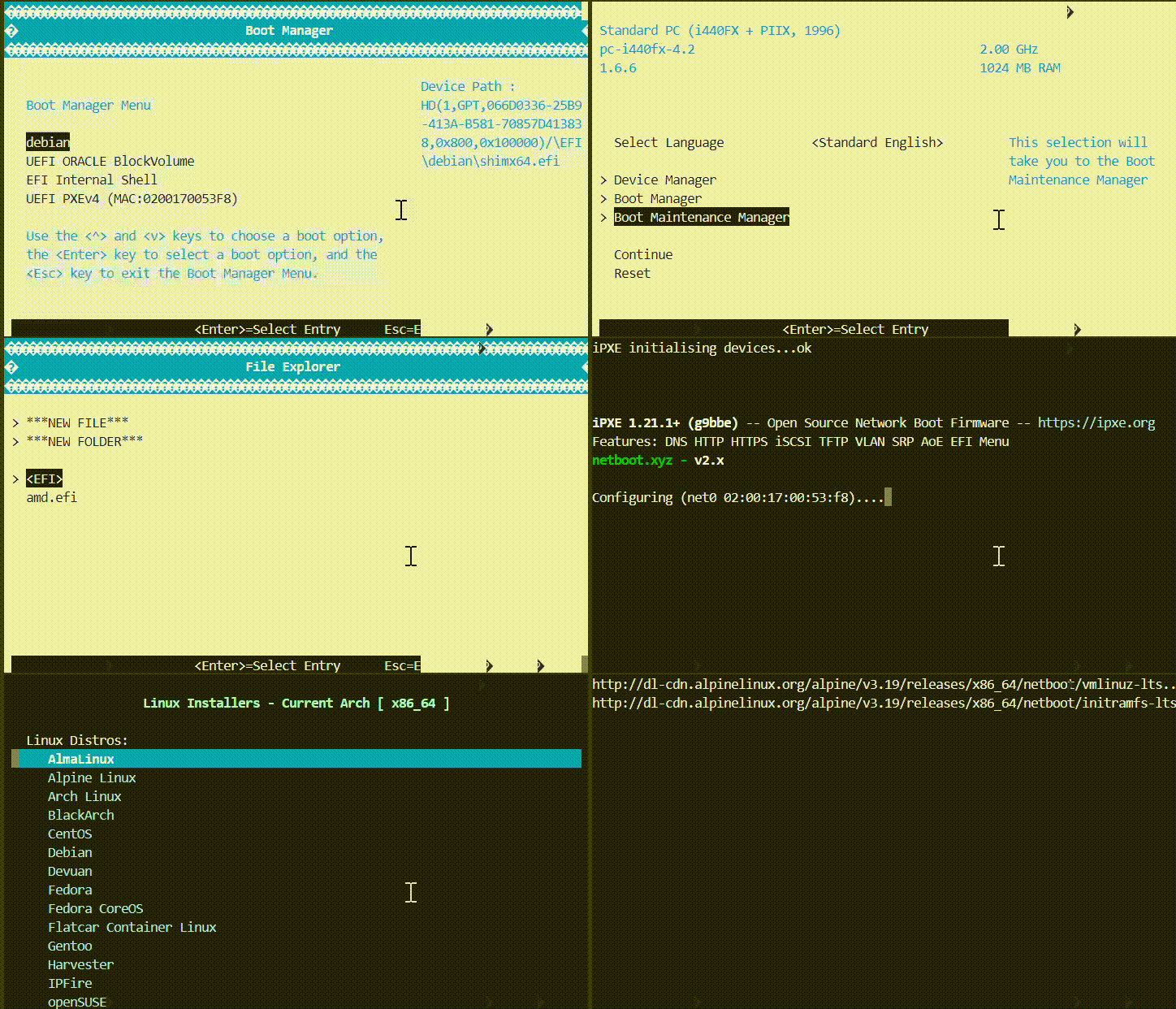
用户root 无密码 回车
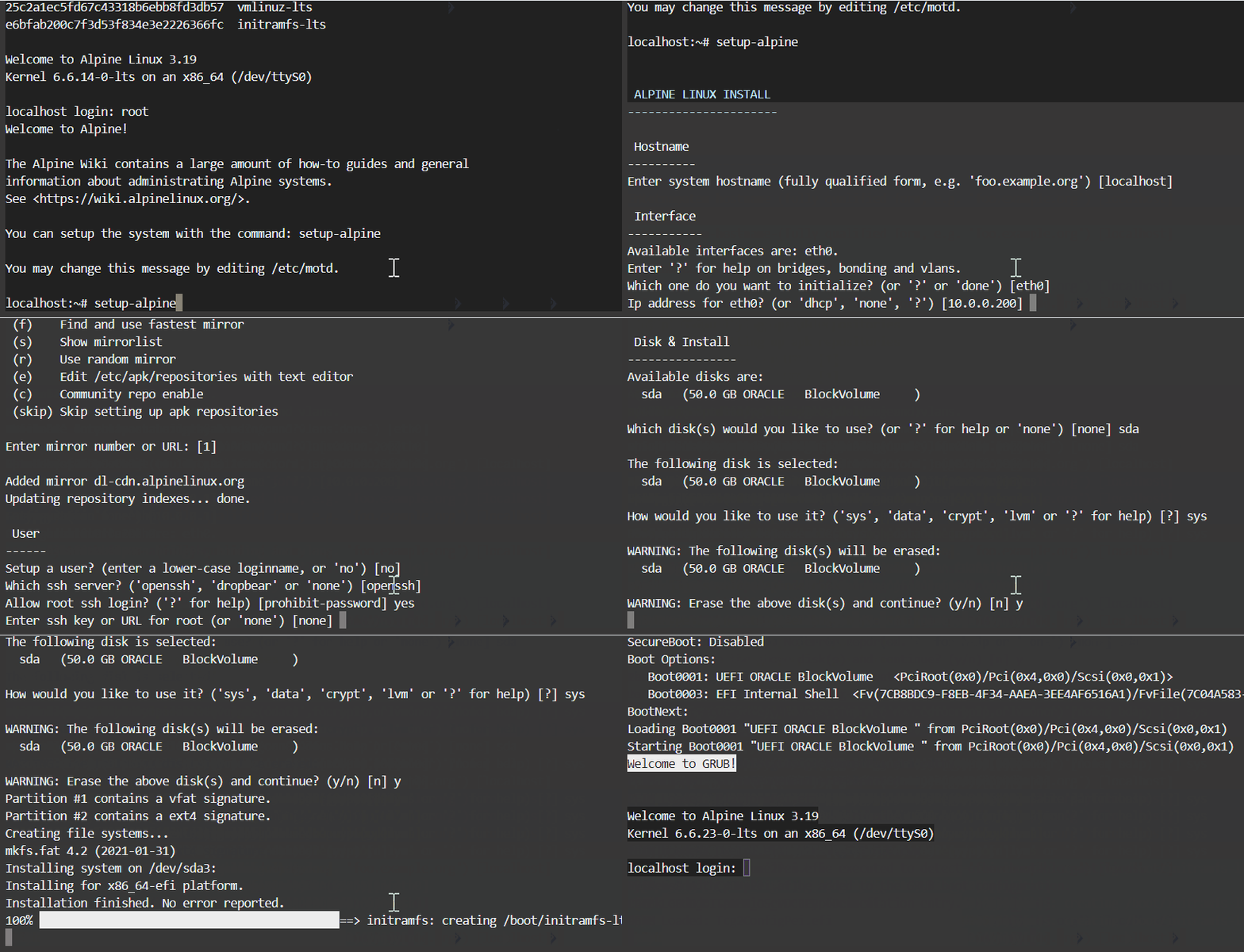 #设置Aplinesetup-alpine一路回车
设置完密码
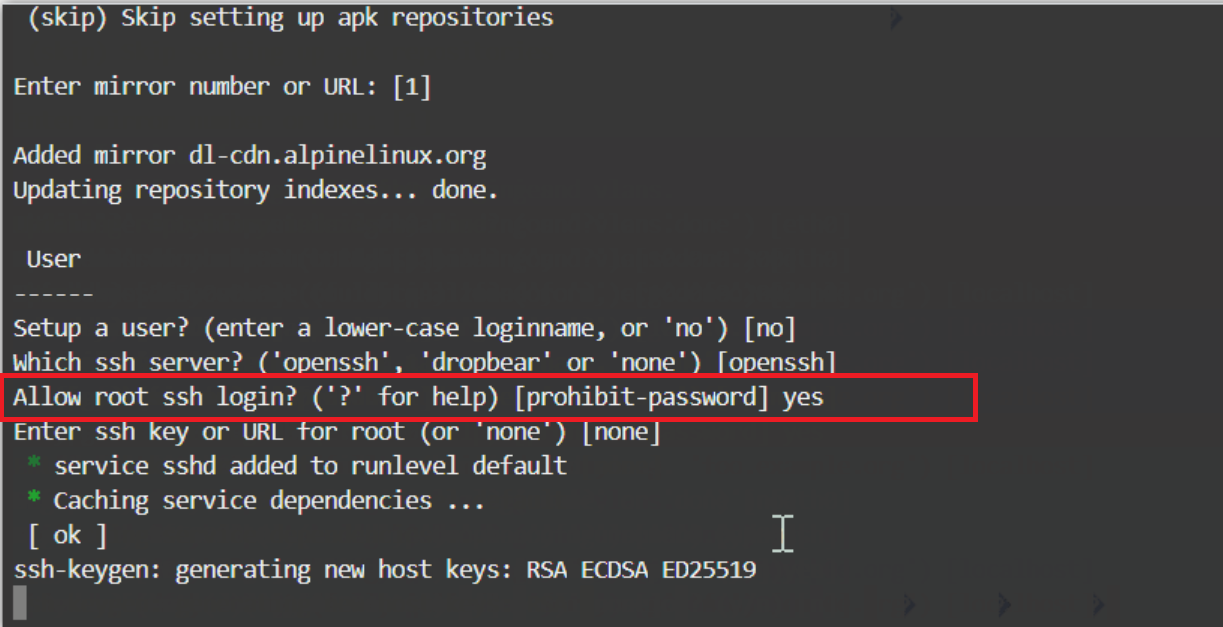
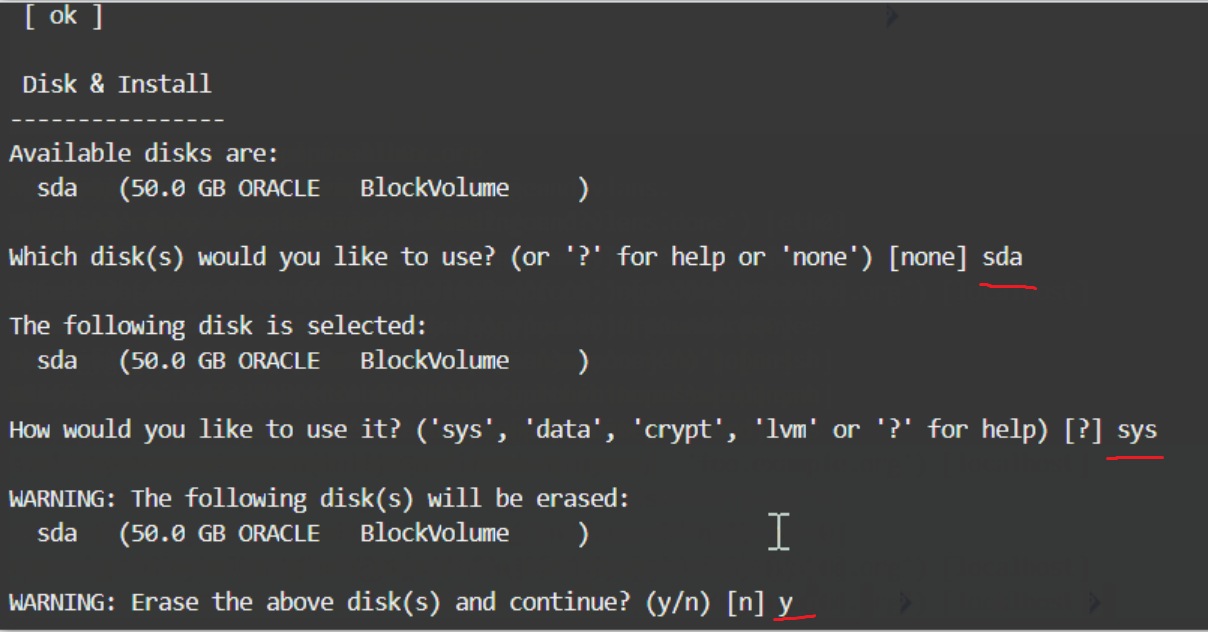
reboot重启,输入root,回车,密码进入Apline 脚本ddapk updateapk add bash wgetsed -i 's/root:\/bin\/ash/root:\/bin\/bash/g' /etc/passwdwget --no-check-certificate -qO InstallNET.sh 'https://raw.githubusercontent.com/leitbogioro/Tools/master/Linux_reinstall/InstallNET.sh' && chmod a+x InstallNET.sh && bash InstallNET.sh -debian 12 -pwd '密码'结束 手动ddapk updateapk add wget xz tarwget "https://cloud.debian.org/images/cloud/bullseye/latest/debian-11-nocloud-amd64.tar.xz" -O - | xz -d | tar -xv dd if=./disk.raw of=/dev/sda bs=1Mreboot回车输入 用户名root 密码为空
设置root登录 apt updateapt purge -y openssh-serverapt install -y openssh-serverecho root: 密码 |sudo chpasswd rootsudo sed -i 's/#PermitRootLogin prohibit-password/PermitRootLogin yes/g' /etc/ssh/sshd_config;sudo sed -i 's/PasswordAuthentication no/PasswordAuthentication yes/g' /etc/ssh/sshd_config;sudo service sshd restart直接法
进入netboot后选择utilities-Kernel cmdline params回车
输入console=ttyS0,9600
ESC退出,选择Linux Network Install-Debian直接安装
结束
| 

 发表于 2024-6-27 22:59:51